Veeam Hardened Linux Repository Configurator
Contents
Script Purpose
According to Veeam best practices, this one-click script configures a Linux system. After the operating system configuration is complete, you can return to the VBR console to complete the repository addition.
For manual configuration and principle introduction, please refer to the following posts:
veeam-v11-hardened-linux-repository-配置指南-centos8
加固的备份存储库hardened-repository配置指南-ubuntu
veeam-hardened-repository-quick-starter
Prerequisites for Use
- Ensure the system meets the minimum requirements for using Veeam Hardened Linux Repository.
- The server has unformatted disks such as /dev/sdb, /dev/sdc, etc.
- This script must be run using the root account.
System Requirements
This script has been tested on Redhat 8.2/CentOS 8.2/Ubuntu 20.04 and above versions. Other system versions are not currently supported.
Script Repository
https://github.com/Coku2015/Veeam_Repo_Configurator
Detailed Script Usage
Download the script:
curl -O https://ghproxy/https://raw.githubusercontent.com/Coku2015/Veeam_Repo_Configurator/main/HLRepo_configurator.shRun the script:
bash HLRepo_configurator.sh- After the script runs, it will first detect whether the current user is root and the corresponding operating system. If not, the script will exit.
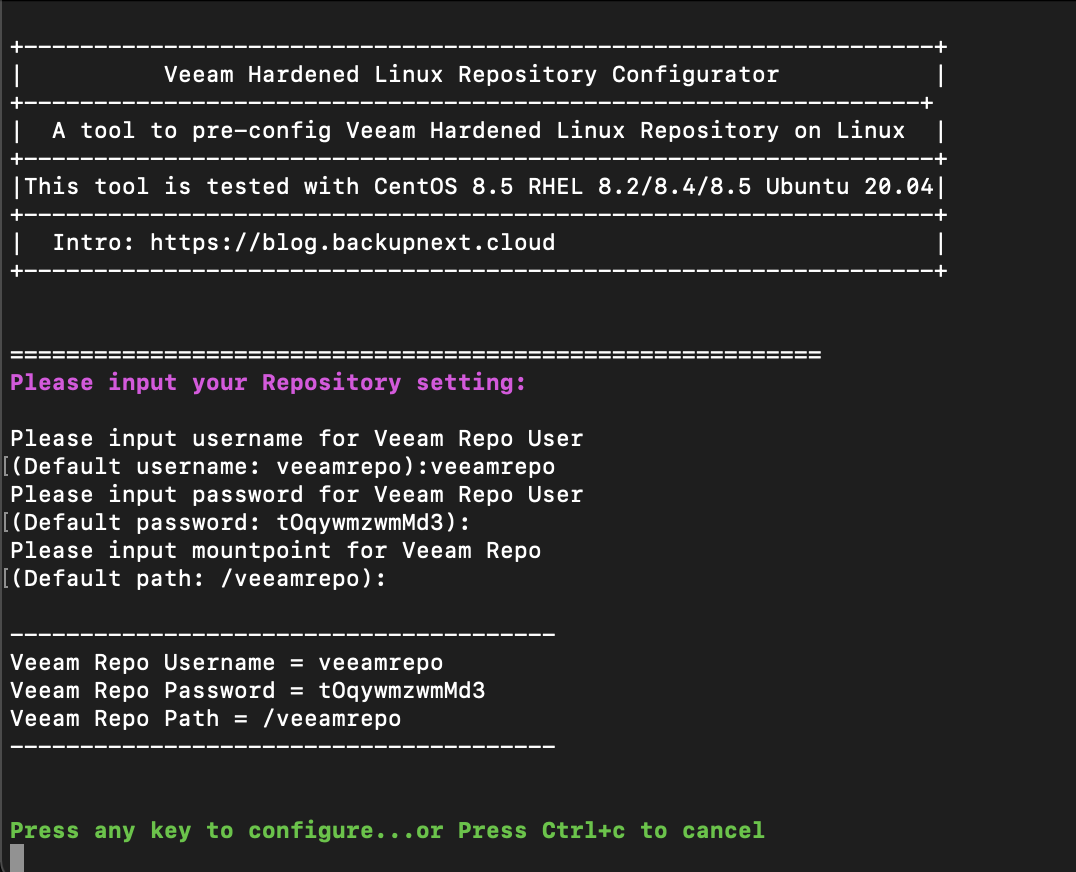
- It will prompt the user to set the Veeam storage management user, password, and the storage path for backup data. This information will be used for subsequent configuration in the VBR console.

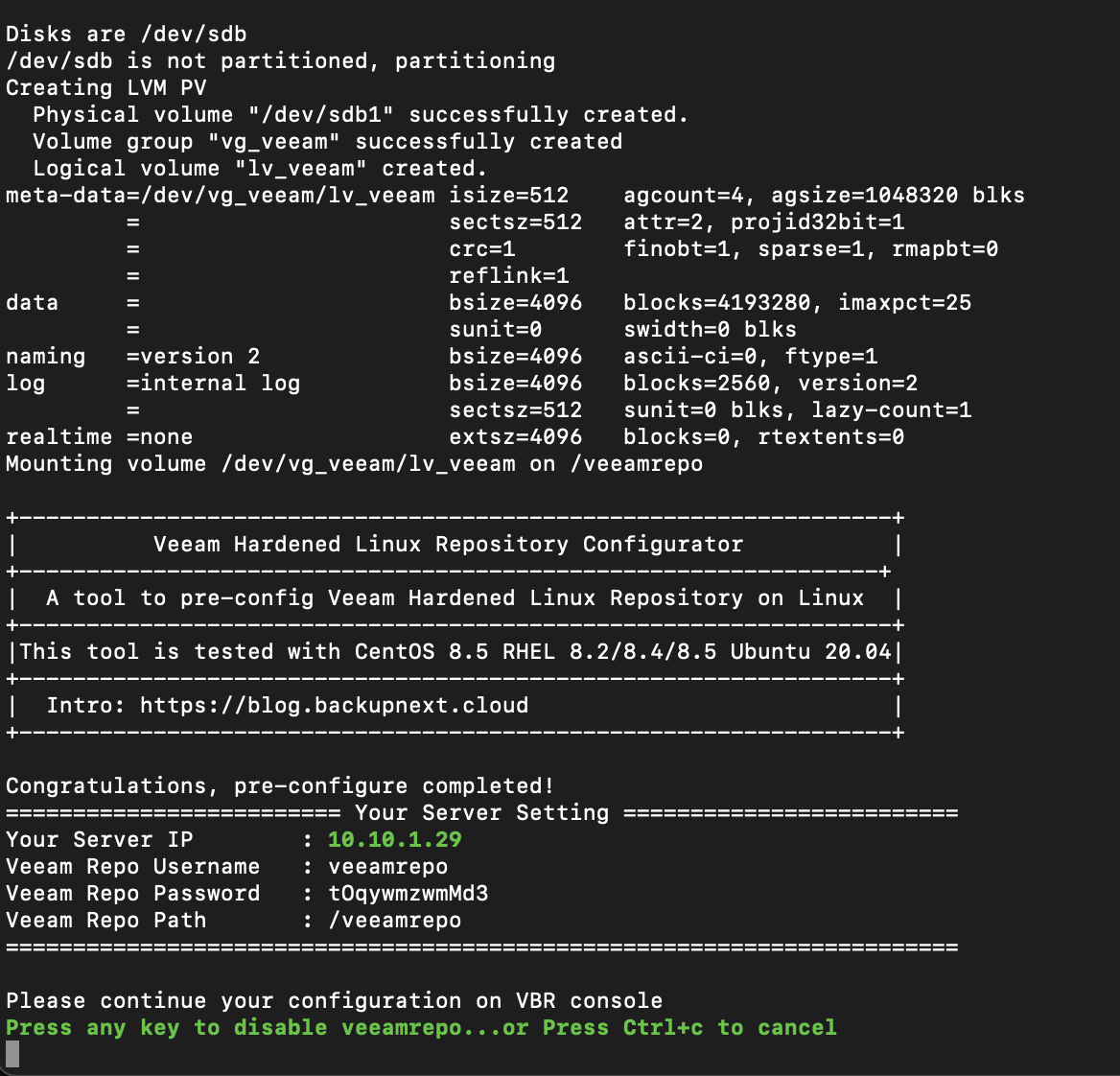
- Create LVM volumes for idle disks on the server, format them as XFS file system, and enable reflink functionality for VBR’s fast clone feature.
- Add records to the /etc/fstab file and mount the formatted disk space, allocating user permissions.
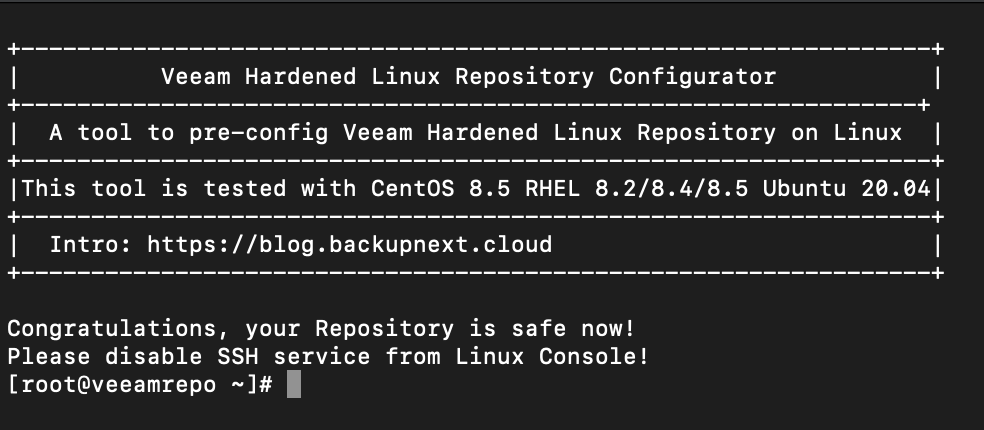
- Return to the VBR console to configure the backup repository. After the configuration is complete, the script will lock the Veeam storage management user, prohibit login, and prompt the user to disable SSH access to further harden the system.